


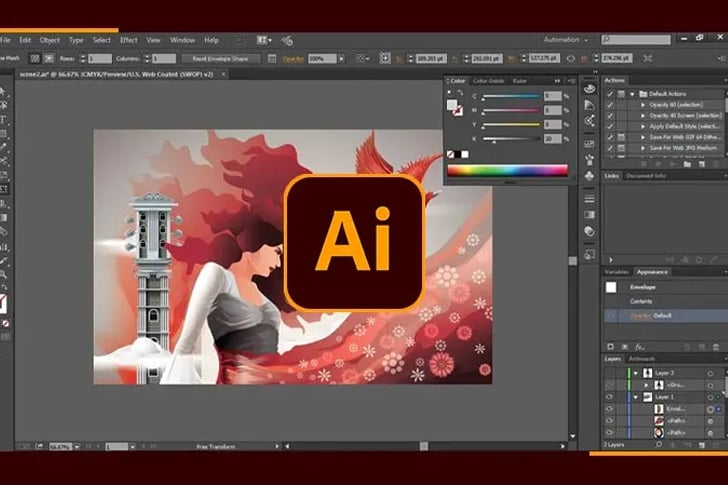
Adobe Illustrator is a vital tool for graphic design, allowing for the creation of eye-catching visuals. Employing key strategies is crucial for making graphics that stand out and convey messages effectively. Explore the options below to learn essential techniques for producing compelling Illustrator graphics.
Building a Solid Foundation in Illustrator
Before diving into complex designs, it’s crucial to grasp the basics of Adobe Illustrator. Understanding the interface, tools, and features is the first step to creating effective graphics.
1. Get Acquainted with Vector Basics
Unlike raster images, vector graphics can be scaled infinitely without losing quality. Familiarize yourself with the concept of paths, anchors, and handles as they are the building blocks of vector graphics.
2. Master the Pen Tool
The Pen Tool is one of the most versatile tools in Illustrator. Practice creating straight lines, curves, and complex shapes to gain precision and speed.
3. Organize with Layers
Proper use of layers can streamline your workflow and make complex graphics more manageable. Organize your artwork by separating elements into clearly labeled layers.
4. Embrace the Pathfinder Panel
Learn how to combine, divide, and subtract shapes using the Pathfinder panel. These functions allow you to create intricate graphics from simple shapes.
5. Explore Color and Swatches
A strong understanding of color theory and how to apply it in Illustrator is essential. Use swatches to create a cohesive color palette for your graphics.
6. Utilize Text Effectively
From single words to paragraphs, Illustrator offers extensive type tools. Learn how to manipulate text, adjust kerning, leading, and apply text effects.
7. Refine with Alignment and Distribution Tools
Alignment and distribution are key to balanced, professional-looking graphics. Use these tools to ensure your elements are placed with precision.
8. Leverage Graphic Styles and Effects
Graphic styles and effects can add depth and complexity to your designs. Experiment with drop shadows, strokes, and other stylistic attributes to enhance your graphics.
9. Practice with Bezier Curves
Mastering Bezier curves will give you greater control over the shapes you create. Use them to refine your illustrations and bring smooth, clean lines to your designs.
10. Save and Export Correctly
Understand the different file formats and their uses. Whether you’re saving a print-ready file or exporting for the web, knowing the correct settings is crucial.
Advanced Techniques for Elevated Graphics
Once you’ve got the basics down, it’s time to push the boundaries and explore Illustrator’s advanced capabilities.
1. Create Custom Brushes
For unique effects and textures, try creating your own brushes. They can add personality and style to your graphics.
2. Use Clipping Masks
Clipping masks allow you to control the visibility of artwork and can be used to create interesting visual effects.
3. Experiment with Blending Modes
Blending modes can create dynamic interactions between color and shapes. They are especially useful for achieving sophisticated lighting effects.
4. Design with Symbols
Symbols can save you time, especially when working with repeating elements. Edit one, and you update them all.
5. Incorporate 3D Effects
Illustrator’s 3D effects can add dimension to your graphics. Use them judiciously to bring a new layer of depth to your designs.
Continual Learning and Adaptation
The world of Adobe Illustrator is ever-expanding with updates and new features.
1. Stay Updated
Keep your software up to date and acquaint yourself with the latest tools and improvements.
2. Follow Design Trends
Stay informed about current design trends to keep your work relevant and fresh.
3. Seek Inspiration
Regularly review work from other talented designers for inspiration and new ideas.
4. Learn from the Community
Engage with the Illustrator community through forums, social media, and user groups for tips and support.
In Conclusion
Crafting effective graphics in Adobe Illustrator involves a blend of technical know-how, creativity, and an eye for detail. By following these essential strategies and dedicating time to practice and exploration, you can create compelling, professional-quality graphics. Remember, every expert was once a beginner, and with the rich capabilities of Illustrator at your fingertips, the only limit is your imagination. So begin with the foundational tips outlined below, and embark on your journey to becoming an Illustrator aficionado.
Recent Comments